
DirectCUT Product Configurator
Custom cut-to-size engineering plastics and sealing materials
With the APSOparts® DirectCUT Configurator, you can configure and order custom-cut engineering plastics and sealing materials online in just a few steps.
DirectCUT allows you to order selected plastic and sealing materials cut to your exact dimensions - from a single piece to larger production quantities. It’s available for selected plastic sheets, rods, tubes, foils and profiles, as well as hoses, belts, sealing plates, and gasket materials. Simply select the material, enter your required dimensions and quantity, and instantly see the price, availability, and expected delivery date.
New to APSOparts? Create your free account to access the DirectCUT configurator and start configuring your products.
How it works
Start from the product page
Select the required material, thickness or diameter, look for the saw icon next to the article and click it to open the DirectCUT configurator.

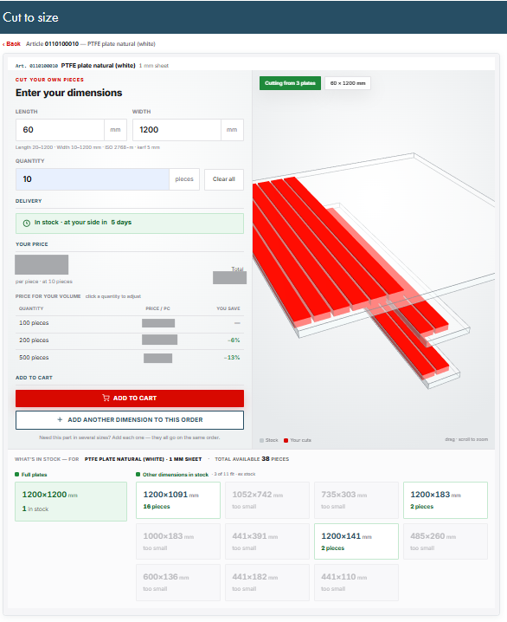
How Cut- to- size works?
- Enter your required length, width, and quantity.
- Check the price and availability for your custom-cut piece.
- Add the product to your cart or add another dimension to the same order.
- For faster delivery, choose one of the available pre-cut sizes.
From cart to custom-cut product
Once you have checked the dimensions, quantity, price, and delivery details, add the configured product to your cart and proceed to checkout. After confirmation, the material is prepared using CNC cutting technology according to the product requirements and applicable ISO tolerances.
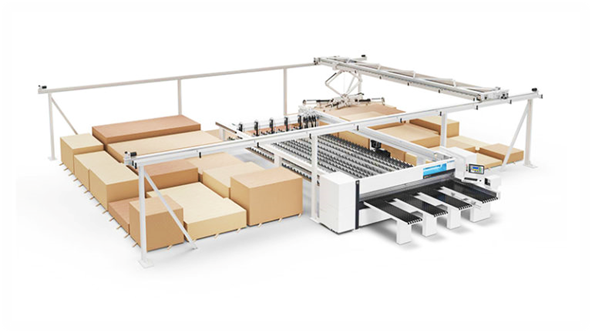
What information should I check before placing an order?
Before adding a DirectCUT product to your cart, check the selected material and product type, dimensions, quantity, delivery date and applicable cutting tolerances. For demanding applications, review the relevant product data and technical documentation before ordering.
Reorder a previously configured product
Do you regularly need the same custom-cut component? Use the APSOparts® Direct Order tool and enter the article number from your previous order confirmation, invoice or order documents. This makes repeat ordering faster and helps avoid entering different dimensions.
1a) Simply choose your desired product and configure it by clicking on the “saw" icon that you will find next to all configurable products.
Make sure you choose the article with your desired thickness or diameter if applicable.
1b) Or go through our guided product finder, where you will only find the products available for configuration.
Make sure you choose the article with your desired thickness or diameter if applicable.
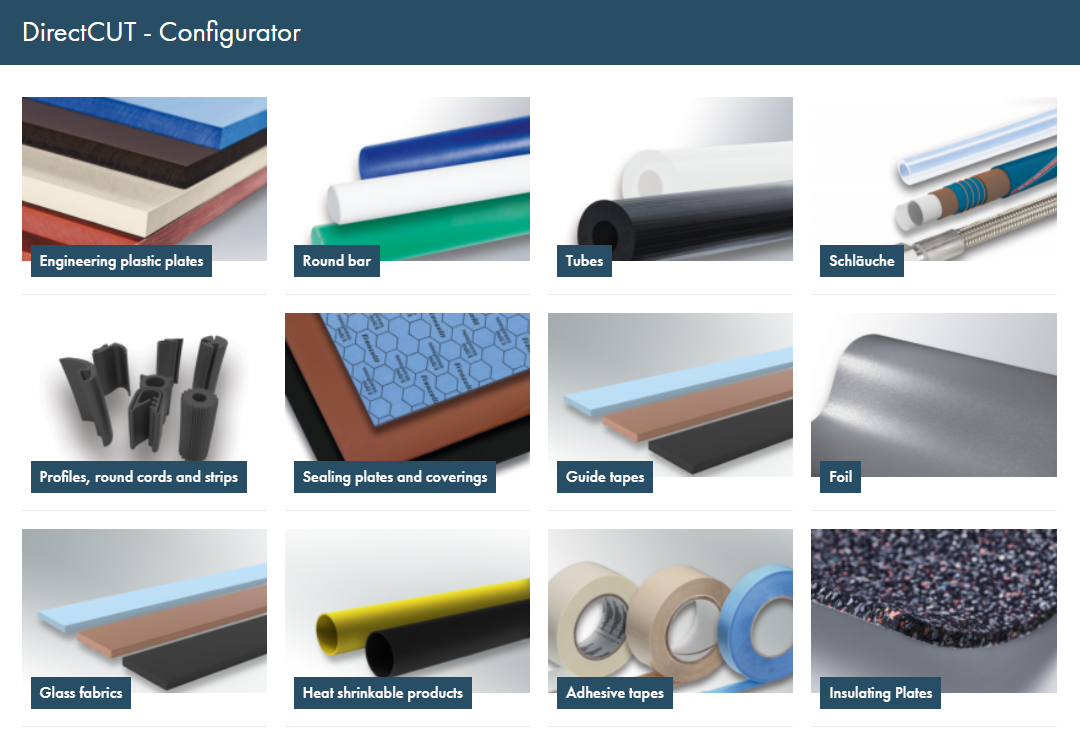
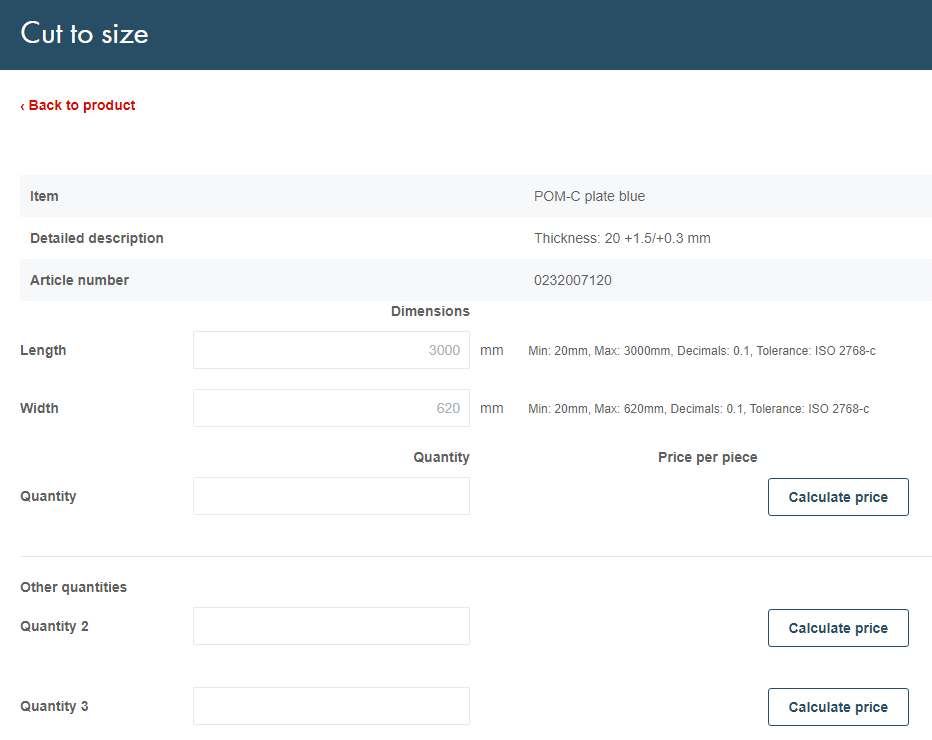
2) After clicking on the saw icon, you will be re-directed to a page where you can insert the other dimensions you require, such as length and width.
You can find the minimum and maximum dimensions we offer on the right-hand side of the respective input field.
3) Type in the amount of pieces you would like to order and calculate the price per piece.
Under "alternative amounts" you can quickly compare prices based on different quantities.
4) After adding the order to your shopping basket, our state-of-the-art CNC cutting machines will proceed to prepare your configured products.
All our tolerances follow the respective ISO guidelines.
If, at a later point, you want to re-order a product you have already configured, simply use our "Direct Order" tool and refer to the article number in your order documents.